Caro Board
Play Gomoku on a 20x20 board against another player or the computer.
Editor’s Notes
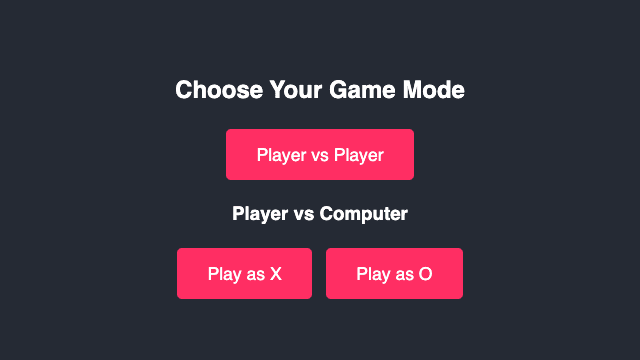
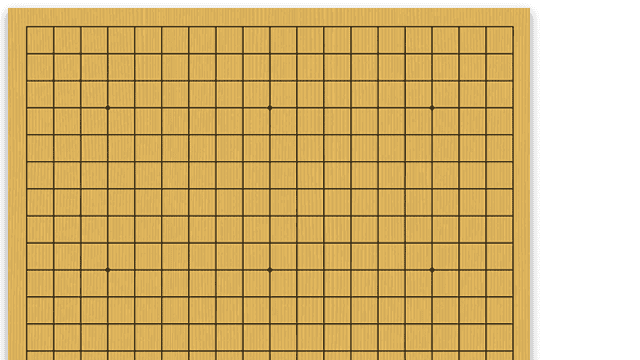
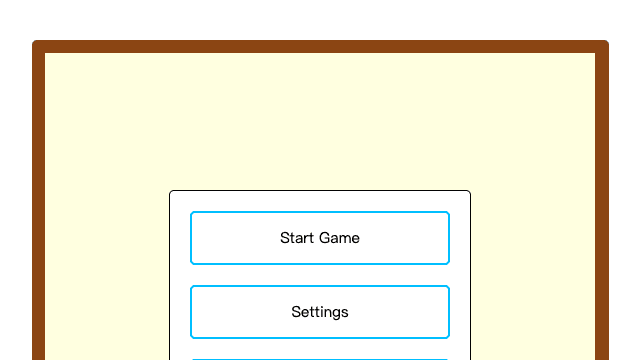
2026-10-16 first-hand review: the menu offered Player vs Player, Play as X, and Play as O. The Player vs Player board rendered as a 20x20 grid; clicking two adjacent cells placed X and O and advanced the turn indicator. No keyboard controls were shown. Desktop pointer interaction passed; mobile touch was not separately verified.
About Caro Board
Caro Board is a Gomoku-style board game on a 20x20 grid. Choose Player vs Player for a local two-player match, or choose Play as X or Play as O to play against the computer. Take turns placing marks and build a line of five before your opponent.
How to play Caro Board
- Choose Player vs Player, Play as X, or Play as O.
- Click an empty square to place your mark.
- In two-player mode, alternate X and O turns on the same board.
- Build an unbroken line of five marks horizontally, vertically, or diagonally.
- Start another round after a win or a full board.
Controls for Caro Board
FAQ about Caro Board
Can I play Caro Board for free?
Yes. Caro Board is available to play for free on Game 4 Fun. No Game 4 Fun account or separate app is required.
How do I start Caro Board?
Select "Play Now" on this page, wait for the game to load, and follow the on-screen instructions. The short How to play guide above covers the first steps.
What are the controls for Caro Board?
Mouse or touch: click or tap an empty square in the 20x20 grid to place X or O. The menu buttons select the game mode and side. No keyboard controls were shown.
What type of game is Caro Board?
Caro Board is a board game that you can play instantly in your web browser.
Can I play Caro Board on mobile?
Caro Board runs in a modern web browser. Touch support depends on the game's controls, so check the Controls section before playing on a phone or tablet.
Who made Caro Board?
Caro Board is credited to Local hosted library. Game 4 Fun provides the browser listing and attribution shown in the Source & license panel.